I Reverse Engineered Grabfy (an Instagram downloader) using REA - Download free .zip
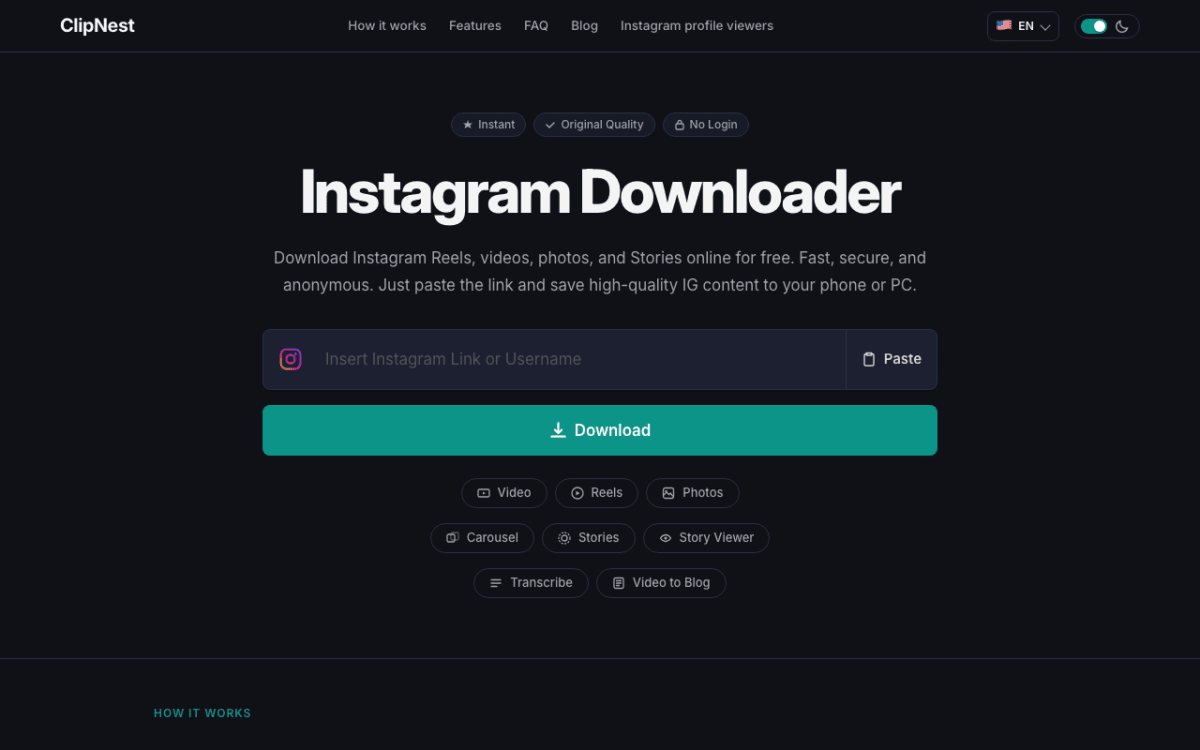
I used the Reverse Engineer Anything (REA) repository to study the Instagram downloader at grabfy.com and rebuild it as a local app. The download below is that project. It started as a faithful copy built from the exact prompt further down. Then I added real downloads with a Python backend, profile fetching, two AI tools and an admin page, and finally rebranded it as ClipNest by coding180 so it is my own. I built it to learn how a site like this works, so treat it as educational. It is not connected to or endorsed by Grabfy or Instagram.
What is in it:
- Every page: the home page, six tool pages (video, reels, photo, carousel, story saver, story viewer), a blog with 23 articles, About, Privacy, Terms and Contact, and 20 languages.
- Real downloads: a Python backend reads public links and streams the file through your own server with a signed link and rate limits.
- AI tools: a video transcriber and a video-to-blog-post writer.
- An admin page: set your keys and choose free or paid models without editing any file. If a model is rate limited, the app switches to another one and finishes the job.
Only use it on public posts you own or have permission to save, and check Instagram's terms before you run it for anyone else.
Here is how to run it yourself.
Step 1: Download the project
The zip is attached here. Download it and unzip it.
Step 2: Install Python
You need Python 3.9 or newer. Nothing else to install: the first start creates its own environment and installs what it needs.
Step 3: Start the app
On Mac or Linux, open a terminal inside the project folder and run:
./start.sh
On Windows, double-click start.bat.
Step 4: Open it in your browser
Go to http://localhost:4550 and paste a public Instagram link.
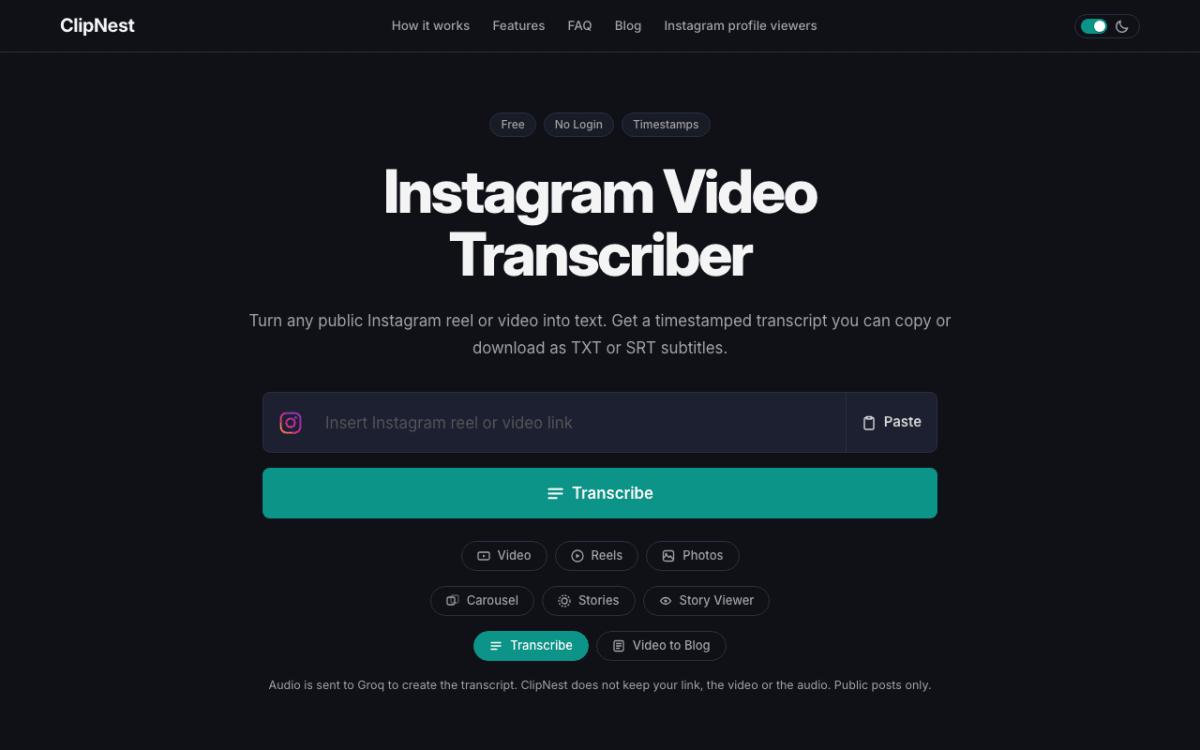
Step 5: Set up the admin page
Open http://localhost:4550/admin/. The window where you started the app prints a setup code the first time. Enter it, choose a password, then add a free OpenRouter key from openrouter.ai for the blog writer and a free Groq key from console.groq.com for the transcriber.
Instagram changes often. If downloads stop working, run update.sh (or update.bat on Windows) and try again.
The prompt I used to build it
This is the exact first prompt I gave the agent. It produced the faithful copy, with a demo mode that returns sample media. I added everything else with short follow-ups afterwards.
If you want to build something like this yourself, the full step-by-step is in our tutorial section https://coding180.com/tutorials/reverse-engineer-any-app-rea. The whole build, phase by phase, with every prompt and screenshot, is in the course: https://coding180.com/ai-resources/build-your-own-clipnest-website-with-rea-ai
0 Replies
No replies yet. Be the first to respond.